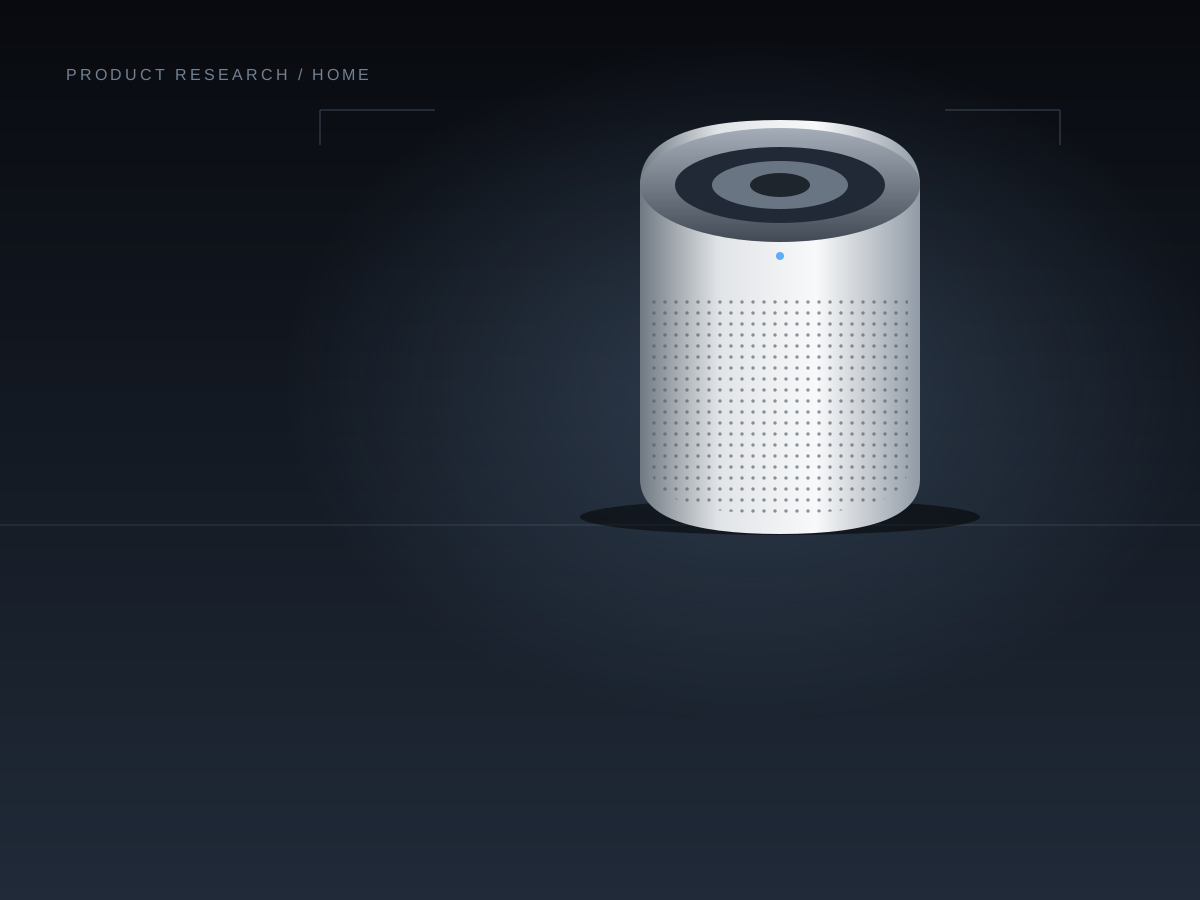
Buying guide
Levoit Core 300S-P: a clearer buying decision
Room-size claims, smart controls, and ongoing upkeep—what to check before putting this compact purifier in your home.
PickingScope·
Care guide · Research-based
What to clean, what to replace, and how to interpret the filter reminder in the US series manual.
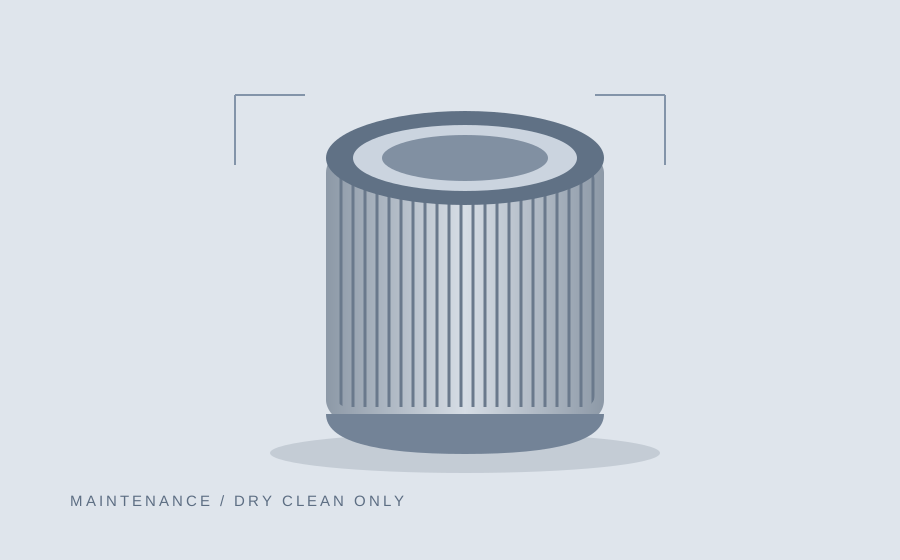
Illustration: PickingScope · Not product photography
The US series manual, printed pages 13–14, distinguishes the outer pre-filter from the main filter. It directs a soft brush or vacuum hose for the outer layer every 2–4 weeks, and says not to clean the filter with water or other liquids.
Unplug before maintenance. Follow the instructions supplied with your exact unit if they differ from the linked series document.
The light is an inspection reminder, not proof that the filter has failed. The manual gives a typical replacement interval of 6–8 months, adjusted for use and conditions.
A practical approach is to record installation and inspection dates. That keeps maintenance tied to what you have checked rather than an assumed universal lifespan.
Use the manual’s replacement sequence: unplug, remove the cover and old filter, vacuum remaining debris, unwrap and install the correct replacement, then close the cover and reconnect power.
The linked manual specifies holding the Sleep Mode button for three seconds to reset the reminder. Reset after the relevant maintenance; clearing a light does not restore a worn filter.
Do not infer compatibility from a similar series name. Check your unit label and the replacement listing together. Keep a record of the part you bought so the next order does not depend on memory.
We do not rank replacement filters here or claim that one delivers better real-world results. That would require additional evidence for the exact parts being compared.
A simple note can contain:
Use that history to estimate your own ongoing cost. A calendar interval alone cannot establish how many filters every household will need.
For persistent problems, consult the manual’s troubleshooting section or manufacturer support rather than treating this checklist as a diagnosis. See our buying guide for the purchase decision and room-size explainer for capacity assumptions.
Based on public US manufacturer documentation. No hands-on testing, Amazon review sample, or YouTube analysis is included. Product images are original generic illustrations.
Amazon reviews analyzed: 0. Our research method
Official · Checked Oct 9, 2026
Manual · Checked Oct 9, 2026
Keep exploring
Buying guide
Room-size claims, smart controls, and ongoing upkeep—what to check before putting this compact purifier in your home.
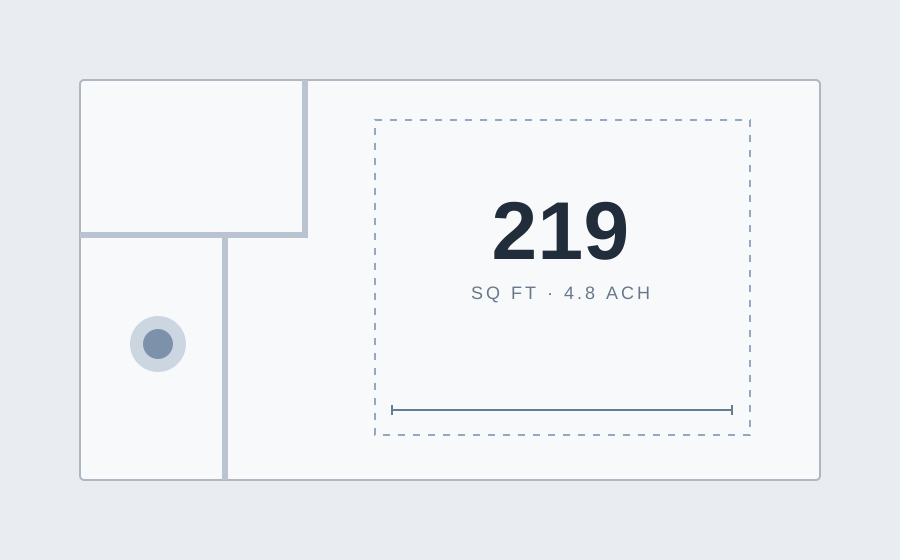
Explainer
Why 219 and 1,051 square feet can appear on the same listing—and how to compare coverage on equal terms.